Host a Simple Website on a VM
Install a web server and host a static website.
Login to your google cloud account.
Go to Compute Engine
Click create instance.
Name the instance and select region.
Click on create.
Here, we will create a VM instance and make sure to Allow HTTP and HTTPS traffic under Firewall and leave other settings as default.

Now, SSH into it and install apache and commands for that are listed below
sudo su
apt update
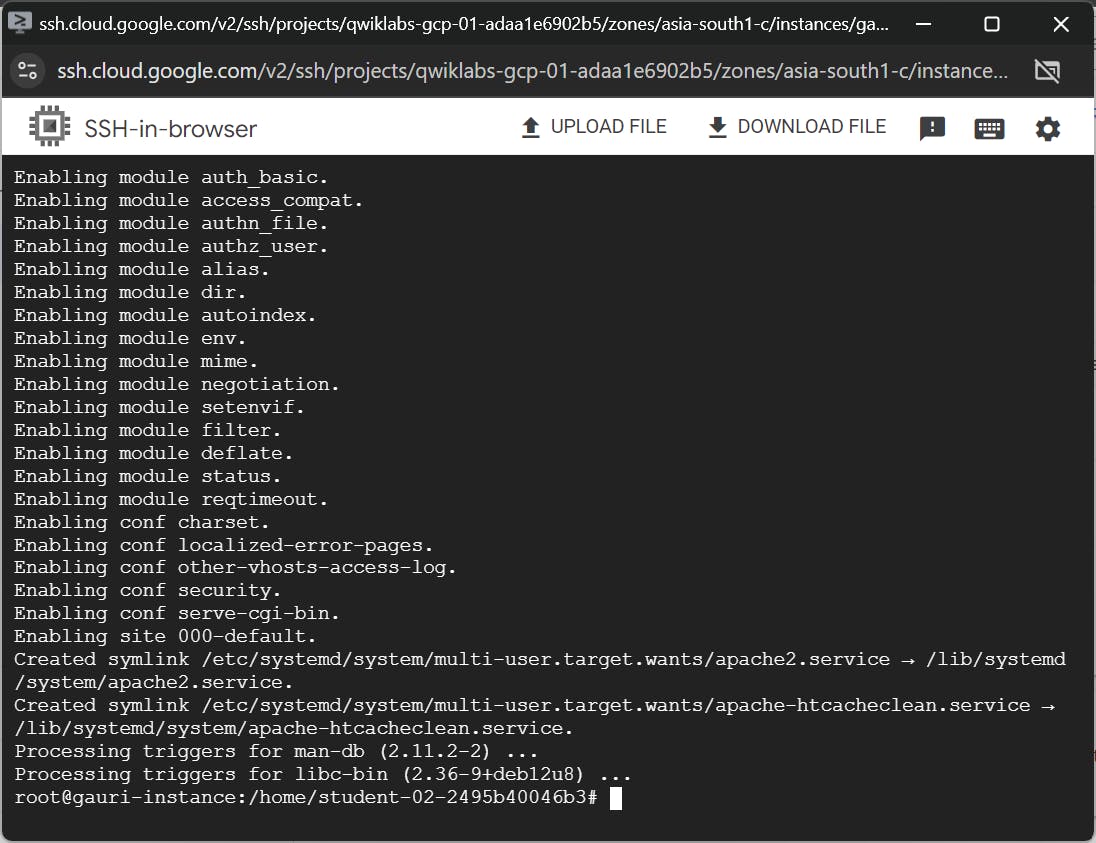
apt -y install apache2
apache is installed
Close this SSH, and copy your External IP and paste it into the browser

You will be able to see apache2 page that means your apache is successfully installed
Now, open your ssh
enter the command sudo nano /var/www/html/index.html
Here, we can make changes to the index file and same will reflect in the web-page
For ex. I’m making changes in title

We can clearly see, title got changed.
In the same way we can make changes to the file also.
Congratulations! You've successfully hosted a simple website on your VM. Keep experimenting and building your cloud expertise!